Inserts get kept. Links get lost.
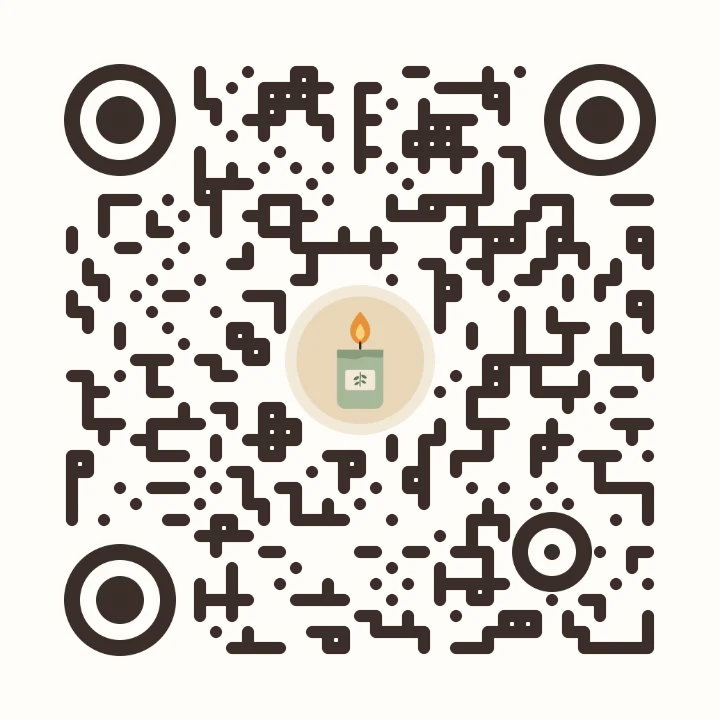
Buyers keep a nice thank-you card, but almost nobody types a web address from one. A code that matches your branding gets scanned, and it brings people back to your shop, your Instagram, or the care instructions for what they bought.
Every card you ship has to keep working for as long as buyers keep it. A code made on a trial can stop when the trial ends, leaving every card already sent pointing nowhere. ScanPix codes hold your link directly, so they never expire.
How to make it
- Open the editor with the settings below and paste your shop link, your Instagram, or a care-instructions page.
- Add your logo or a product photo. It stays on your device and is never uploaded.
- Use "Photo in center" for a logo, or "Photo behind code" for a product shot.
- Check that the scan badge says Strong or Good, then download a 2048 px PNG for Canva or your print shop, or SVG for vector templates.
Recommended settings
| Layout | Photo in center, with your logo |
|---|---|
| Colors | Classic style with a custom color from your brand |
| Dots and corners | Liquid dots at about 75% size, or circle dots, with circle corners |
| Caption | Optional: your shop name or a short web address |
| Download | PNG 2048 px for Canva or a print shop, SVG for vector templates |
Print tips
- Size. As a rule of thumb, 2 to 3 cm (about 0.8 to 1.2 in) square on a business-card-size insert.
- Matte card. Gloss can glare under a phone's flash. Matte or uncoated stock scans more reliably.
- Dark on light. Print a dark code on a light background. On kraft paper, put the code on a white or cream label.
- Test before you order 500. Print a few at home and scan them with a couple of phones first.
A note on review requests
Asking for a review is fine, but Etsy's House Rules don't allow rewarding buyers for positive reviews. Before you put a review request and a discount code on the same card, read Etsy's shilling and extortion policies, which set out what's allowed.
More codes for your shop
Engrave a code on wooden product tags with the laser engraving file, cut one in vinyl for your market-stall banner with the Cricut file, or put your contact details on a business card code.
FAQ
How do I make a QR code for my Etsy shop?
Copy your shop's web address, open the ScanPix editor, paste it, and add your logo if you like. Check the scan badge, download a PNG or SVG, and add it to your thank-you card or insert design.
What should I put on a packaging insert?
A thank-you note, your shop name, and a code that opens your shop, your Instagram, or care instructions for the product. Keep it short so the card stays easy to read.
Can I put my logo in a QR code?
Yes. Choose Photo in center and add your logo. ScanPix keeps the code around it readable and checks it with a real decoder as you edit.
What size should a QR code be on a thank-you card?
As a rule of thumb, 2 to 3 cm (about 0.8 to 1.2 in) square on a business-card-size insert. Print a test and scan it before ordering a full batch.
Do free QR codes stop working?
Static codes don't. ScanPix codes are static, so your link is stored in the code itself. Codes made on a trial of a dynamic service can stop working when the trial ends.